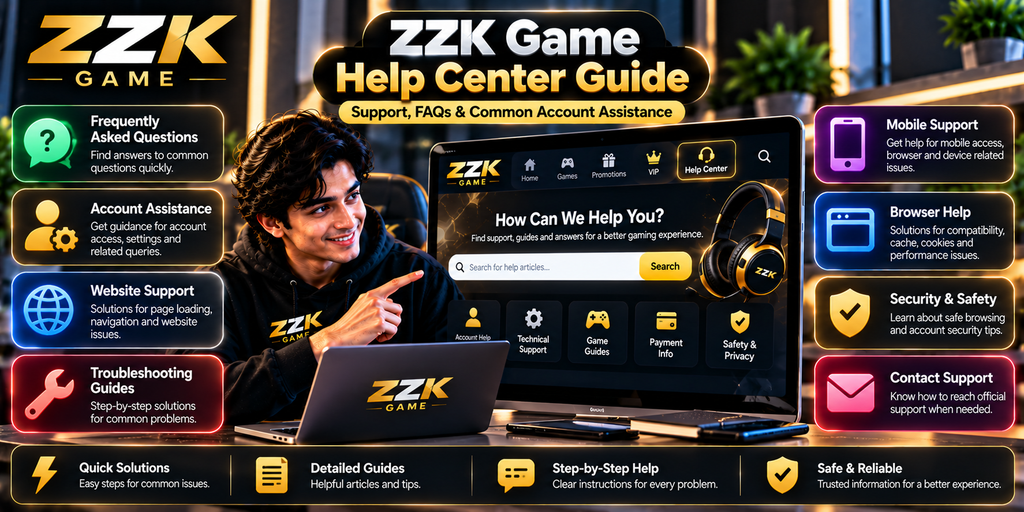
Finding the right information can make it easier to resolve common questions while using an online gaming website. Users may sometimes need assistance with account access, website features, technical problems, or general platform information.
This ZZK Game Help Center Guide provides a practical overview of common support situations and explains how to approach them before requesting additional assistance.
What Is a Help Center?
A help center is a collection of information designed to answer common questions and guide users through basic problems.
Depending on the platform, a help center may include:
- Frequently asked questions
- Account guidance
- Technical troubleshooting
- Website information
- Support instructions
- Security-related guidance
- General platform resources
The exact resources available can change as the website develops.
When Should You Look for Help?
You do not always need to contact support immediately when something appears unusual.
First, identify what type of problem you are experiencing.
For example:
- An account-related question
- A website page not loading
- A navigation problem
- A browser issue
- A notification problem
- A question about available features
- A problem that continues after basic troubleshooting
Identifying the category can make it easier to find the relevant information.
1. Start With Frequently Asked Questions
Frequently asked questions are often the fastest place to find basic information.
Before contacting support, check whether your question has already been answered in an FAQ or help section.
Look for information related to your specific issue instead of reading unrelated troubleshooting instructions.
2. Account Assistance
Account-related questions can involve different areas, such as account information, access, settings, or security.
When dealing with an account issue, avoid sharing sensitive information publicly.
Never post passwords, verification codes, or other private credentials in public comments, forums, or messages to unknown individuals.
If account assistance is required, use the platform’s recognized support process.
3. Website Problems
Sometimes a problem may be related to the website rather than your account.
For example, a page may fail to load correctly, or an interactive element may not respond.
Basic checks can include:
- Refresh the page.
- Check your internet connection.
- Try another supported browser.
- Review browser settings.
- Check whether the issue occurs on another compatible device.
These steps can help determine whether the issue is temporary or device-specific.
4. Browser Troubleshooting
A browser can affect how modern websites display and function.
If you experience an unusual issue, check whether your browser is updated.
You can also try private browsing to determine whether stored browser data or extensions may be affecting the page.
If necessary, review your cache and cookies, but understand what information your browser will remove before confirming the action.
5. Mobile Troubleshooting
Smartphones can display websites differently from desktop computers.
If something does not appear correctly on a mobile device, check:
- Browser version
- Internet connection
- Screen orientation
- Device storage
- Browser permissions
- Available system updates
If the same page works correctly on another device, the problem may be related to the original device or its configuration.
6. Finding the Right Support Information
When looking for assistance, use specific search terms related to the problem.
For example, instead of searching for a general solution, identify the actual issue:
- Account access problem
- Page loading problem
- Browser compatibility problem
- Notification issue
- Website navigation question
Specific descriptions can make troubleshooting more efficient.
7. Preparing Information Before Contacting Support
If an issue continues and support is required, prepare useful details beforehand.
Depending on the problem, this may include:
- Description of the issue
- Device type
- Operating system
- Browser name and version
- Approximate time the problem occurred
- Relevant error message
- Steps already attempted
Do not include passwords, verification codes, or unnecessary sensitive information.
8. Be Careful With Unofficial Support
Search results and social media can contain individuals claiming to provide technical assistance.
Be careful before sharing account information with anyone who claims to represent a platform.
For account-related problems, use recognized or official support channels whenever available.
Do not provide confidential credentials simply because someone claims to be a support representative.
9. Understanding Error Messages
An error message can provide useful clues about a technical problem.
If you see an error, note the exact wording before refreshing the page repeatedly.
The message may indicate whether the issue relates to:
- Network connectivity
- Browser compatibility
- Account access
- Server availability
- Missing information
- Temporary technical problems
Recording the message can also make it easier to explain the problem when requesting assistance.
10. Keep a Simple Troubleshooting Record
If a problem happens repeatedly, keep track of what you have already tried.
For example:
Problem: Page does not load correctly
Device: Smartphone
Browser: Current browser version
First check: Internet connection
Second check: Page refresh
Third check: Another browser
Result: Issue continues
This information can help avoid repeating the same troubleshooting steps.
11. When to Stop Troubleshooting
Basic troubleshooting is useful, but repeatedly changing unrelated settings can make problems harder to understand.
If you have already checked the browser, network, device, and available help information, it may be better to use the platform’s recognized support process.
Keep your explanation clear and provide only the information necessary to describe the problem.
Frequently Asked Questions
What is the ZZK Game Help Center?
The ZZK Game Help Center is a general reference point for finding answers, troubleshooting information, account assistance, and other available support resources.
What should I do before contacting support?
First, identify the problem, check relevant FAQs, refresh the page, verify your internet connection, and try basic browser or device troubleshooting.
Should I share my password with support?
Passwords and verification codes should remain private. Do not share them with unknown individuals.
What information can help explain a technical problem?
The device, operating system, browser, error message, approximate time of the problem, and troubleshooting steps already attempted can be useful.
What if a website problem continues on different devices?
If the same issue continues across compatible devices and browsers, check the platform’s official information or recognized support resources for further guidance.
How can I recognize unofficial support?
Be cautious of individuals who contact you unexpectedly and request passwords, verification codes, payment information, or other confidential account details.
Conclusion
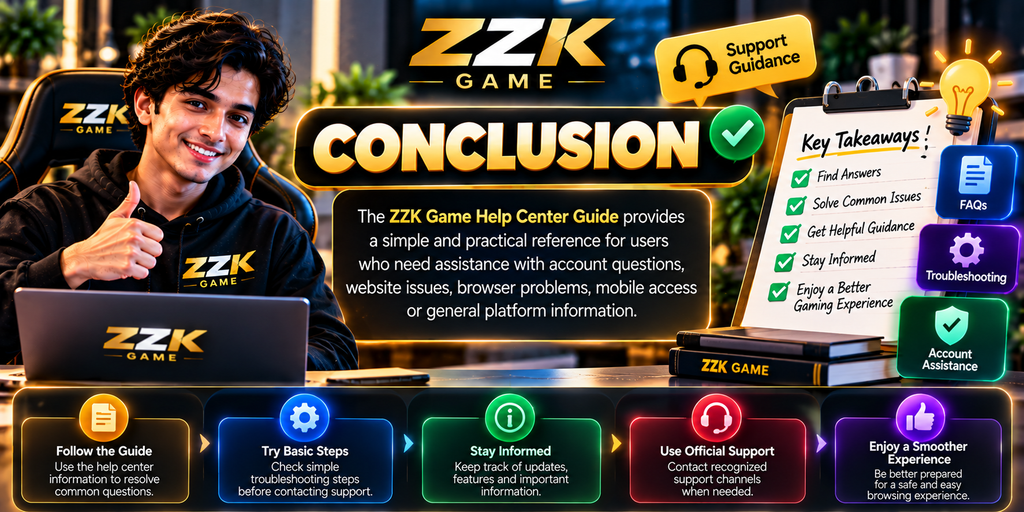
A structured approach can make it easier to handle common website and account questions. Starting with FAQs, identifying the type of problem, checking basic device and browser settings, and using recognized support resources can simplify the troubleshooting process.
The ZZK Game Help Center Guide provides a practical reference for users who need assistance with account questions, website problems, browser issues, mobile access, or general platform information.
When additional assistance is necessary, describe the problem clearly and avoid sharing sensitive account credentials with unknown individuals.